
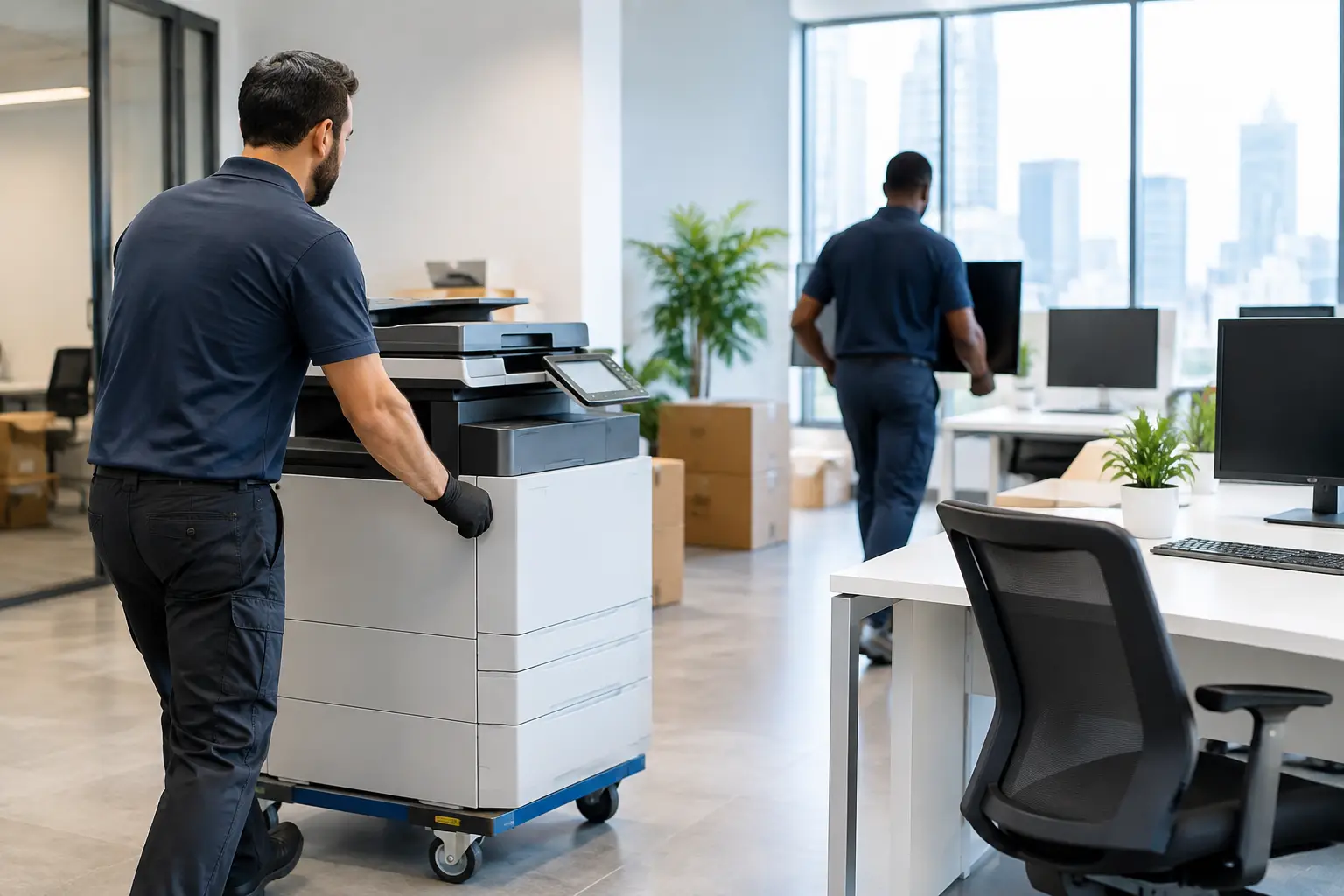
A Friday afternoon office move can look simple until the first monitor has no matching power cable, the server cabinet will not fit in the lift, or staff arrive Monday without working desks. To relocate office equipment properly, you need more than a truck. You need a clear plan that protects your assets, keeps your people informed and gets your business operating again quickly.
For small and medium-sized businesses, the goal is rarely just getting from one address to another. It is reducing lost working hours, protecting valuable equipment and avoiding the last-minute issues that turn a planned move into a stressful one.
Start with an office equipment relocation plan
A good office move begins before anything is unplugged. Walk through your current workplace and list every item that needs to move, from desks and boardroom furniture to screens, printers, kitchen appliances and archived files. Include items that are easily missed, such as docking stations, cables, routers, whiteboards, storage cupboards and spare chairs.
This inventory helps you choose the right vehicle size, number of removalists and packing materials. It also makes it easier to identify equipment that needs special handling. A standard desk can be dismantled and wrapped quickly. A large multifunction printer, heavy safe or server rack may require extra planning, suitable lifting equipment and a clear access route.
Your relocation plan should also account for both buildings. Check loading dock bookings, lift access, parking restrictions, stairwells and after-hours entry requirements. In Sydney, tight loading zones and busy streets can affect timing, particularly around the CBD and inner suburbs. Confirm these details early so the removal team can arrive prepared rather than losing time at the kerb.
Choose the right time to move
Many offices relocate on a Friday evening or over the weekend so staff can leave one site and return to a ready-to-use workplace. This can be effective, but only if packing, access and IT arrangements have been finalised beforehand.
A staged move can be a better option for businesses that cannot pause completely. One team or department moves at a time while core operations continue elsewhere. It takes more coordination and may cost more than a single move, but it can protect customer service and keep essential staff working.
Prepare computers, screens and technology carefully
Technology is often the most valuable and disruption-sensitive part of an office relocation. It is not enough to place a monitor in a box and hope for the best. Every workstation needs to be packed so it can be reconnected quickly at the new site.
Ask each staff member to back up important files before move day. Your IT provider should manage server shutdowns, data security, network equipment and the reconnection schedule. Removalists can safely transport the physical equipment, but IT specialists should handle technical disconnection and recommissioning where required.
Label each computer, screen, keyboard, dock and cable by employee or workstation number. A simple label such as “Marketing 04” on every related item can save hours during unpacking. Keep power boards, adapters and small accessories with their matching workstation where possible.
Use purpose-made computer cartons, padded monitor bags or protective wrapping for fragile electronics. Screens should travel upright and secured, not loose between office chairs or filing boxes. Printers need particular care because internal components can be damaged if they are tilted, dropped or transported without being prepared according to the manufacturer’s guidance.
Pack furniture and files for a faster set-up
Desks, workstations and storage units can take up more time than expected. Flat-pack or modular furniture often needs dismantling before it can move safely through doors, lifts and corridors. Keep hardware in labelled bags and attach it to the relevant furniture piece, rather than collecting every screw in one container.
If desks are being reconfigured in the new office, provide a floor plan before move day. Number each workstation and show where it belongs. This gives the removal team clear direction and avoids a room full of furniture that needs to be moved twice.
Paper files need the same care as digital records. Pack files upright in strong archive cartons, label them by department and avoid making boxes too heavy. Confidential material should be identified and handled through your internal security process. If you are using the move as a chance to clear out old paperwork, arrange secure disposal separately rather than mixing it into relocation day.
For an organised office move, these items should be ready before the removalists arrive:
- clearly labelled cartons for files, stationery and personal desk items
- a workstation plan for the new office
- labelled cables and technology accessories
- keys, swipe cards and access instructions for both sites
- a separate box for essentials needed on the first working day.
That essentials box might include tea and coffee supplies, toilet paper, cleaning products, basic tools, spare chargers and important contact details. Small details matter when a team is settling into a new space.
Protect equipment during transport
Office equipment is not all equally fragile, but it should all be protected from movement, scratches and impact. Desks and cabinets benefit from removal blankets and secure wrapping. Glass tabletops, framed artwork and whiteboards need edge protection. Chairs should be stacked or secured so they do not shift in transit.
The right vehicle matters too. A business moving a few workstations may only need a compact truck and a small crew. A full office floor, multiple meeting rooms or heavy commercial equipment requires larger vehicles, more removalists and a planned loading order. Loading the truck in the right sequence means priority items can come off first at the new premises.
Be realistic about access. Narrow corridors, low car park clearances and small lifts can change the equipment and crew needed for the job. Tell your removalist about these conditions when requesting a quote. Accurate information supports accurate pricing and prevents surprises on move day.
At XXXperience Removals, commercial moves are planned around practical access, careful handling and the level of support your office needs, from packing and dismantling through to transport and reassembly.
Keep staff informed without overloading them
An office relocation affects everyone, so clear communication reduces confusion. Staff do not need a lengthy operations manual, but they do need to know what they are responsible for packing, when they need to back up files and where they will be working after the move.
Send a short relocation schedule with key dates. Explain what the removal team will handle and what staff should take home or carry personally. Employees should keep personal valuables, confidential documents, medication and anything required to work remotely out of general moving cartons.
Nominate one internal move coordinator who can make quick decisions on the day. They should have the floor plan, contact numbers, building access information and authority to answer questions from the removal crew. This single point of contact keeps instructions consistent and helps the move stay on schedule.
Set up the new office in the right order
The fastest way to lose time after a move is to unpack everything at once. Prioritise areas that allow the business to function: reception, internet and network equipment, key workstations, phones, meeting rooms and essential storage. Non-urgent décor, archive boxes and spare furniture can follow once the team is operational.
Before staff return, check that walkways are clear, desks are stable, cables are managed safely and emergency exits remain accessible. Test internet connectivity, printers, phones and meeting-room screens. It is much easier to solve a connection issue before a client call or a busy Monday morning.
Do a final walk-through with the move coordinator. Compare the delivered items with your inventory, inspect high-value equipment and make sure any dismantled furniture has been reassembled correctly. If there is rubbish, unwanted furniture or packing materials left behind, arrange removal or cleaning so the workplace feels ready rather than half-finished.
When professional office removal support makes sense
A small office may be able to manage some packing internally, especially if staff have time and there is no complex equipment. But a professional removal team is usually worth considering when downtime is expensive, access is difficult or the move includes fragile technology, large furniture or multiple locations.
The benefit is not only the physical work. Experienced removalists bring the right protective materials, vehicles, lifting knowledge and move-day structure. They can also coordinate furniture dismantling, packing, unpacking and post-move support, which gives your staff more time to focus on customers and business operations.
The best office move is one your team barely has to think about once it is complete. Plan early, label clearly and give every item a place at the new address. With the right preparation and professional support, your office can reopen ready for work, not ready for another day of unpacking.