
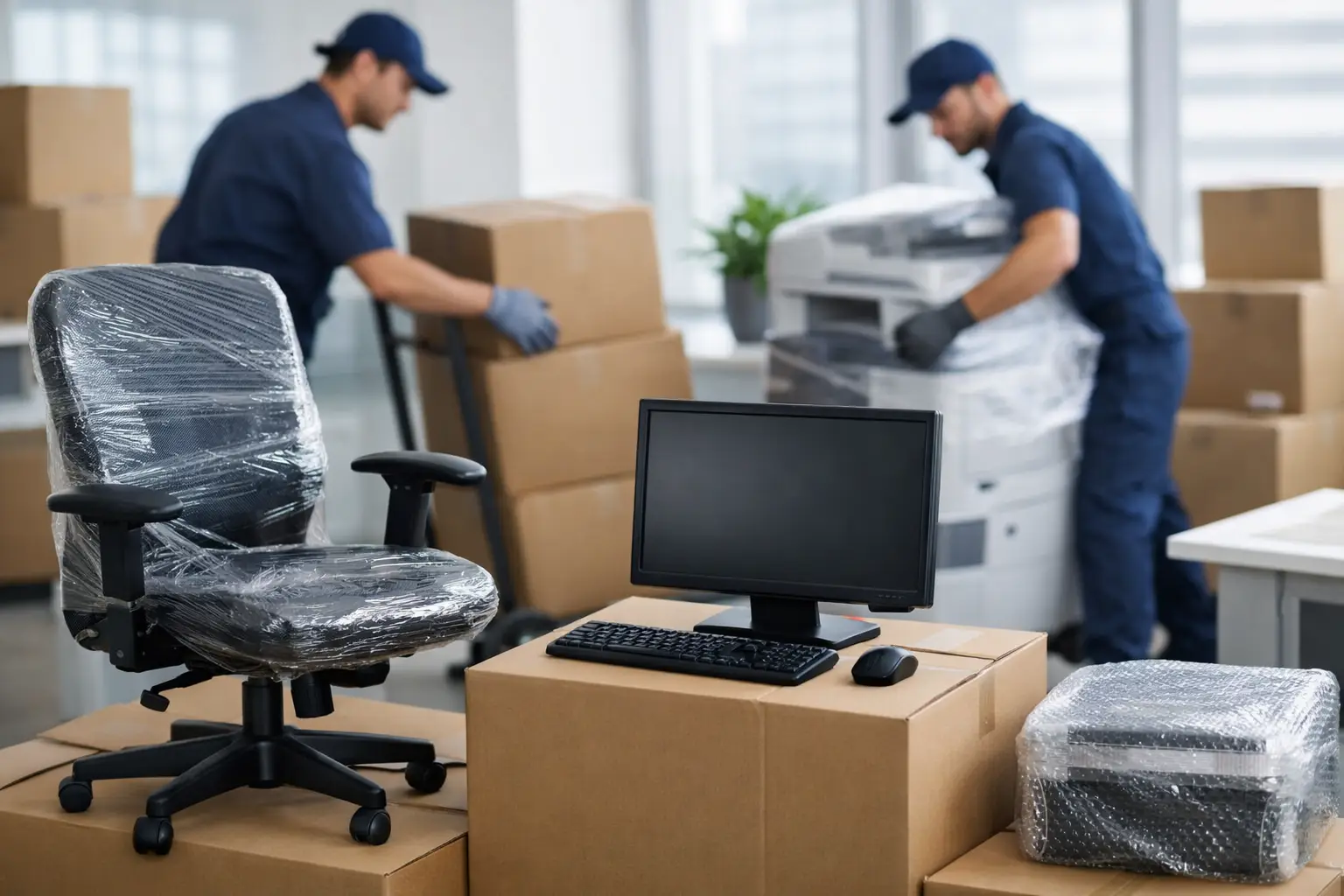
A cracked monitor, a dropped printer or one missing box of cables can slow an office move down fast. If you are planning a workplace relocation, knowing how to move office equipment safely is not just about avoiding damage. It is about keeping your team productive, protecting valuable assets and getting back to work with as little disruption as possible.
Office moves tend to look simple from a distance. Desks, chairs, screens, storage units and a few cartons. In reality, commercial relocations involve fragile electronics, awkward furniture, confidential files and tight timelines. The safest move is always the one that is properly planned.
Why office equipment needs a different moving plan
A home move and an office move are not the same job. In an office, you are often dealing with multiple workstations, shared devices, server equipment, meeting room furniture and items that need to be reassembled in a very specific way. There is also the cost of downtime to think about.
That is why the safest approach starts with identifying what cannot be damaged, what must stay organised and what needs specialist handling. Computers, monitors, phones and networking gear need protection from impact and moisture. Filing cabinets and archived documents need secure transport. Larger items such as boardroom tables or compactus units may need dismantling before they can be moved safely.
How to move office equipment safely from the start
The first step is to create a clear moving schedule. This does not need to be complicated, but it does need to be realistic. Choose a moving date that reduces disruption to staff and customers, and allow enough time for packing, labelling and set-up at the new site.
From there, do a room-by-room equipment check. List your workstations, IT equipment, furniture, storage, printers, kitchen appliances and any specialised tools your business uses. Once you know exactly what is being moved, it becomes much easier to decide what needs extra protection, what should be dismantled and what can be packed as is.
Shortcuts are usually what cause damage. Rushing to unplug everything on moving day, throwing cables into random boxes or trying to carry oversized desks through narrow doorways can turn a manageable job into an expensive one.
Start with an equipment inventory
An inventory gives structure to the move. It helps you track what is coming from each area, who is responsible for it and where it needs to go in the new office. For small and medium businesses, this can be as simple as a spreadsheet with item names, locations and notes on fragility.
It is also useful for insurance, internal planning and quick unpacking. If a team member needs to be operational on day one, you can prioritise their workstation and devices rather than searching through mixed cartons later.
Label by person, team and destination
Good labelling saves time twice – once during loading and again during unpacking. Every carton, crate and loose item should be marked with the staff member or department, the contents and the destination area in the new office.
For example, a box labelled “Accounts – desk 3 – cables and dock” is much more useful than one marked “office items”. Clear labels reduce confusion and help movers place items correctly from the start.
Packing electronics without creating problems later
Most office equipment damage happens before the truck even leaves. Poor packing, loose cords and unprotected screens are common issues. If you want to know how to move office equipment safely, this is where careful handling matters most.
Before disconnecting anything, take a few quick photos of the workstation or device setup. This makes reinstallation much faster. Then label cables, chargers, keyboards, routers and accessories so they stay with the right equipment.
Whenever possible, use original boxes for computers, monitors and printers. If those are no longer available, use strong moving cartons, anti-static wrapping where appropriate and enough padding to prevent movement inside the box. Screens should be wrapped carefully and kept upright. Loose items inside printer trays or server cabinets should be removed before transport.
Avoid overpacking cartons with heavy electronics. A box that is too heavy is harder to lift safely and more likely to split. It is better to use more boxes with proper support than one overloaded carton.
Protect data as well as hardware
Physical safety is only part of the job. Office relocations also need basic data protection. Back up important files before the move, especially if you are transporting desktop computers, servers or external drives. Keep sensitive records and devices secure, and limit access to confidential materials during packing and loading.
If your business handles client information, financial records or private staff data, make sure there is a clear chain of responsibility for those items throughout the move.
Moving office furniture safely
Office furniture often looks sturdy, but it can be awkward to carry and easy to damage if handled the wrong way. Desks with glass tops, modular workstations, shelving units and large boardroom tables should be assessed before moving day so you know what can fit through lifts, hallways and doorways.
In many cases, dismantling is the safer option. It reduces the risk of injury, protects the furniture and makes loading more efficient. Keep all screws, bolts and fittings in sealed, labelled bags and tape them securely to the related item or store them in a clearly marked hardware box.
Heavy items should always be moved with the right equipment. Trolleys, furniture dollies, straps and protective blankets all help reduce manual handling risks. Trying to save time by dragging filing cabinets or carrying oversized furniture without support usually creates more delays, not fewer.
Watch the building access details
Office moves in Sydney and other busy metro areas often involve loading zones, lifts, parking restrictions and strict building access windows. These details can affect the safety of the move just as much as the packing does.
Check whether your building manager requires lift bookings, floor protection or after-hours access. If the move is happening in a business district or apartment-style commercial building, poor access planning can lead to rushed loading and unnecessary handling mistakes.
Reduce downtime with a staged move
For many businesses, the biggest concern is not the move itself. It is how quickly the team can get back to normal work. A staged relocation can help. That might mean moving archived files and spare furniture first, then shifting active workstations and core equipment in the final stage.
This approach is especially useful if your office cannot afford a full day of downtime. It also allows more control over packing, transport and set-up. Some businesses move over a weekend for the same reason. It depends on your operations, staff needs and access conditions at both sites.
If continuity matters, set up the essentials first at the new location. Internet, phones, computers and key desks should be prioritised ahead of non-essential storage or decorative items.
When to use professional office movers
There is a point where doing it yourself stops being cost-effective. If your office has multiple workstations, bulky furniture, fragile IT equipment or a tight relocation deadline, professional movers can make the process faster and far less stressful.
A commercial moving team brings the right vehicles, protective materials, lifting equipment and experience to manage the job properly. That means fewer risks, better time control and less pressure on your staff. It also helps if you need packing, dismantling, reassembly or a more complete service from start to finish.
For businesses that want one provider to handle the moving process with care and efficiency, a full-service team such as XXXperience Removals can take a lot of the complexity off your hands.
Common mistakes that cause damage
The usual problems are predictable. Leaving packing until the last minute, mixing cables and accessories, using weak cartons, failing to label properly and underestimating how long dismantling takes are all common issues.
Another mistake is asking staff to move equipment without clear instructions or the right tools. Even a small office move involves manual handling risks. If people are lifting awkward items in office wear, squeezing through narrow spaces or trying to transport monitors in personal vehicles, the chance of injury or breakage goes up quickly.
A safer move is an organised move. It does not need to feel complicated, but it does need a plan, the right materials and enough support.
The best office relocations are the ones where everything arrives where it should, works when it is switched back on and lets your team settle in without chaos. If you give the move proper structure from the start, safety and speed usually follow.